How to Make a Rumpelstiltskin Meme
To make a Rumpelstiltskin meme, upload a photo to the generator on this site, pick who it replaces in the tip-toe scene, and add a top and bottom caption to the finished video. The video takes a few minutes and costs 10 or 20 credits. The captions are free.
- You need
- One clear photo for each person you put in the scene
- It takes
- A few minutes for the video, then 6 or 13 seconds to export the captions
- It costs
- 10 credits for 6 seconds, 20 for 13. Captions are free.
- You get
- An MP4 with the original sound and no watermark
Updated
How to Make a Rumpelstiltskin Meme Video, Step by Step
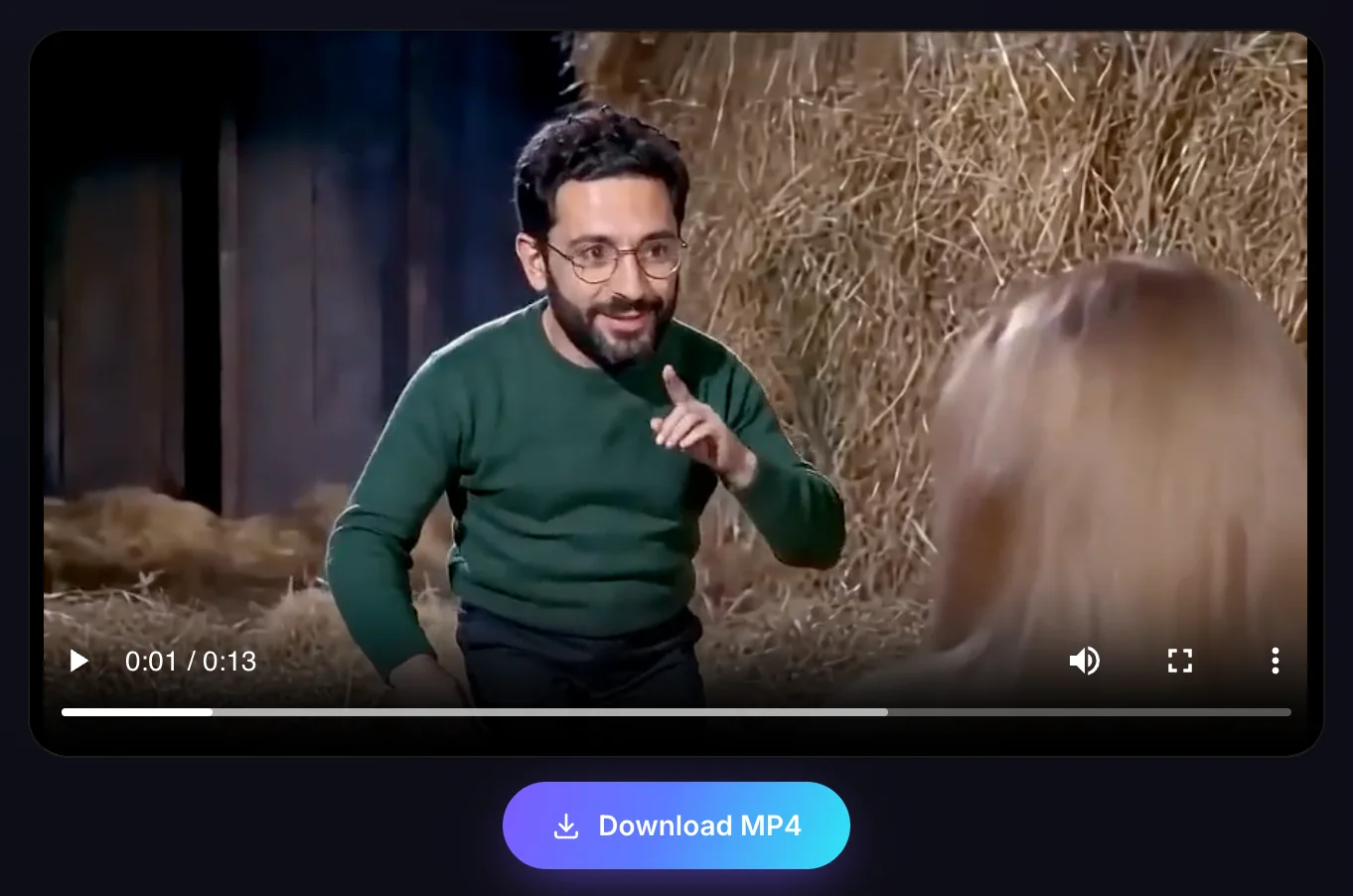
The video is made on the home page, under the tab called Make a video. There is no prompt to write. You make four choices and press one button. The clip below came out of the six steps that follow it.
Step 1: Choose Who to Replace
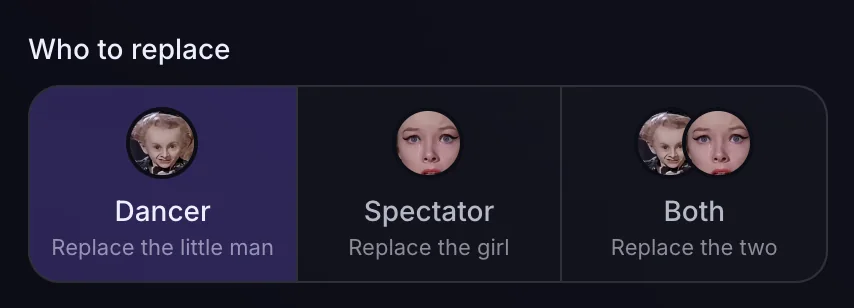
The scene has two people in it: the little man who dances, and the princess who watches from the straw. Dancer puts your photo on him. Spectator puts it on her. Both replaces the two of them and asks for two photos.
Dancer is already selected when the page opens.
Step 2: Upload a Photo
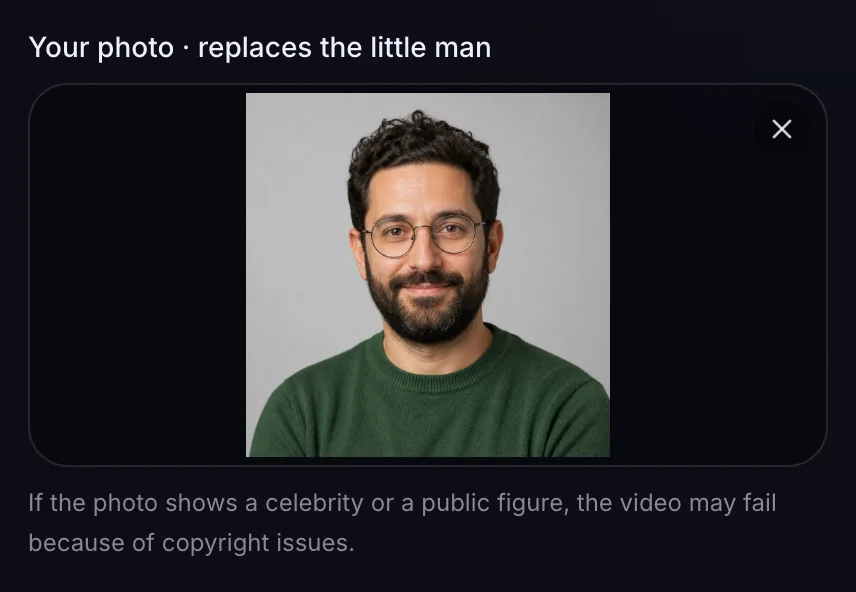
Click the box under Your photo, or drop an image on it. If you are not signed in, the site asks you to sign in first, with Google or with a code sent to your email.
The photo then sits in the box, with an X in the corner to take it out again. With Both selected there are two boxes, one for each person, and a button that swaps the two photos.
Step 3: Pick the Aspect Ratio
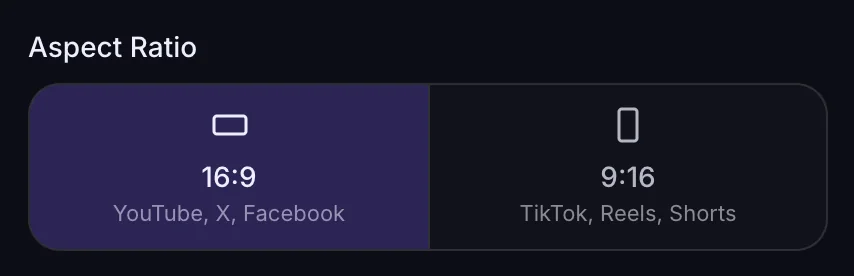
16:9 is the wide shape, for YouTube, X and Facebook. 9:16 is the tall one, for TikTok, Reels and Shorts.
Go by where you will post it. The shape is part of the video, so changing your mind later means making the video again.
Step 4: Pick 6 or 13 Seconds
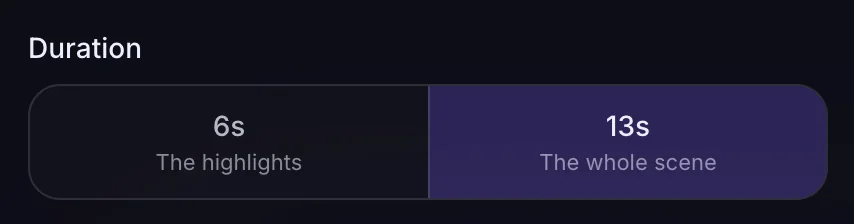
6s is the highlights and costs 10 credits. 13s is the whole scene and costs 20.
The Generate button shows the price of what you picked before you press it.
Step 5: Generate the Video
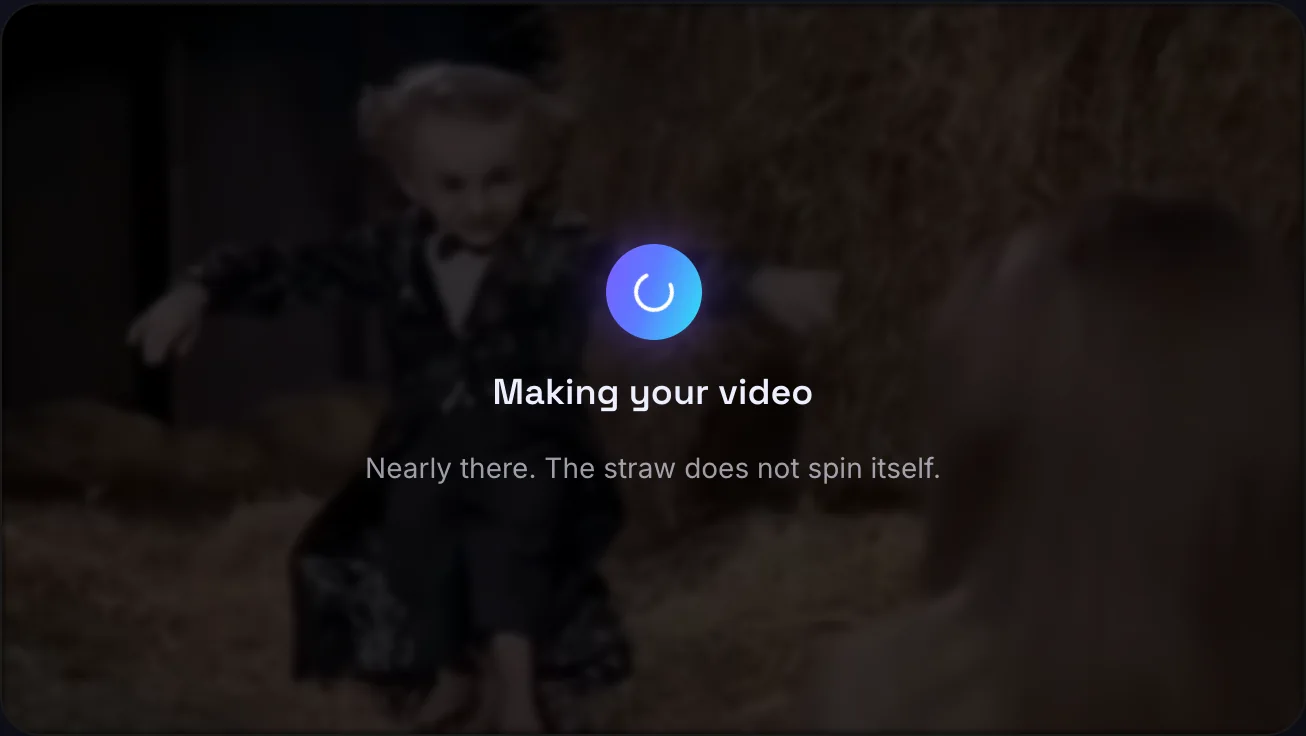
Press Generate. The credits come off your balance and the player says Making your video. It takes a few minutes, and you don’t have to watch: leave the page if you like, and the video will be there when you come back.
One video is made at a time, so the button stays busy until this one is done. With no credits on the account, Generate takes you to the credit packs instead.
Step 6: Download the MP4
The finished video plays in the same spot, with a Download MP4 button under it. The file keeps the original sound and has no watermark.
Everything you make is also listed under Your videos, so you can download it again later.
What Photo Works Best for a Rumpelstiltskin Meme?
A photo of one person with the face in clear view works best. Size and shape are checked the moment you add the photo. The other two rules are about whose face it is.

| Rule | What passes |
|---|---|
| Size | At least 300 pixels on the short side |
| Shape | The long side no more than 2.5 times the short side |
| Person | You, or an adult who said yes |
| Not allowed | Celebrities, politicians and other public figures, and film or cartoon characters |
A photo of a public figure is often stopped by the content safety review. The video then fails and its credits come back.
How to Add a Caption to a Rumpelstiltskin Meme
Captions go on in the second tab, Add a caption. It works on the videos you made here, and it is free.
Step 1: Choose One of Your Videos
Open the Add a caption tab. Before you pick anything it shows the original clip, as a sample to try captions on.
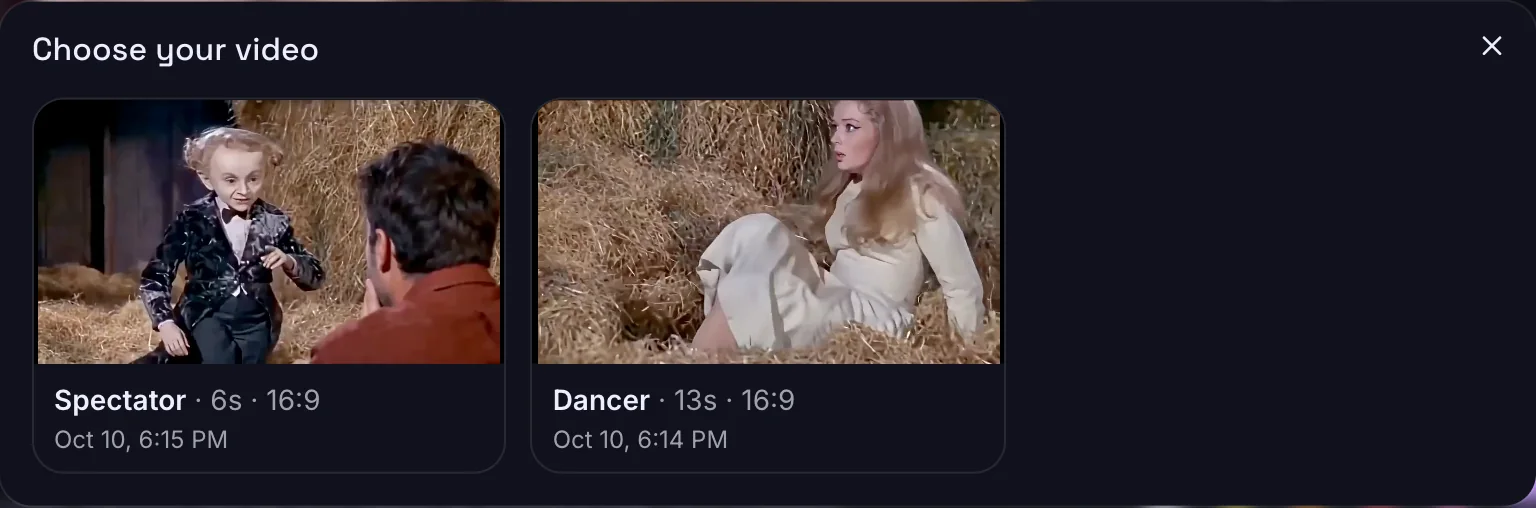
Press Choose your video first and pick one from the list. If you have not made a video yet, the button says Make your video first and takes you back to the first tab.
Step 2: Write the Top and Bottom Caption
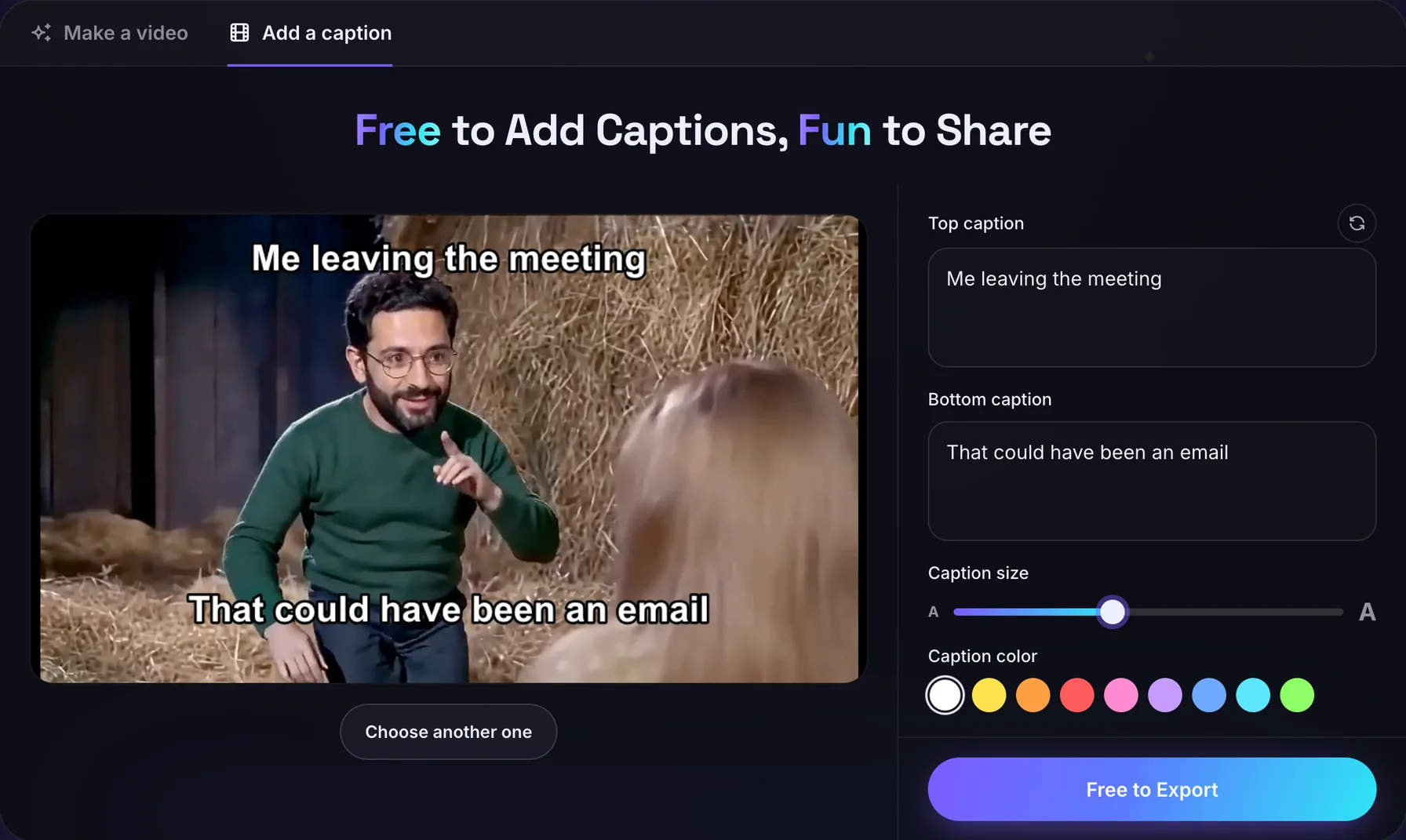
There are two lines, one at the top of the frame and one at the bottom, up to 100 characters each. The preview shows them on your video as you type.
The tab opens with a ready-made pair already filled in. The round arrow next to Top caption swaps in another one, and there are twelve of them. Keep one, or write your own.
Step 3: Set the Caption Size and Color
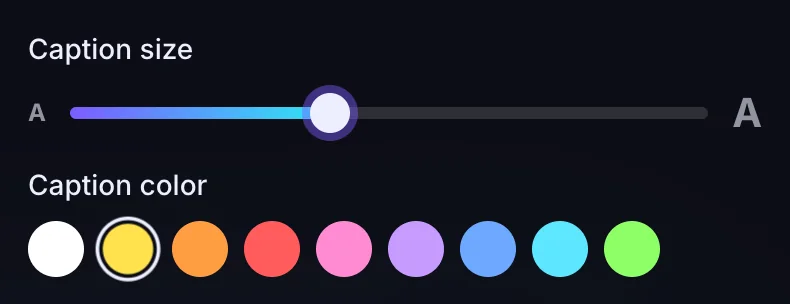
The slider makes the text smaller or larger. Under it are nine colors: white, yellow, orange, red, pink, purple, blue, aqua and green.
Every color is drawn with a black edge, so the words stay readable over the straw.
Step 4: Export and Download the MP4
Press Free to Export. Your browser plays the video through once and records it with the captions on, so the export takes as long as the video runs: 6 or 13 seconds. Keep the page open and in view until it finishes.
The button then turns into Download MP4. Change the words, the size, the color or the video, and Free to Export comes back, so one video can carry as many captions as you can think of.
Exporting works in Chrome, Edge and Safari. Firefox can’t record MP4, so it can’t export.
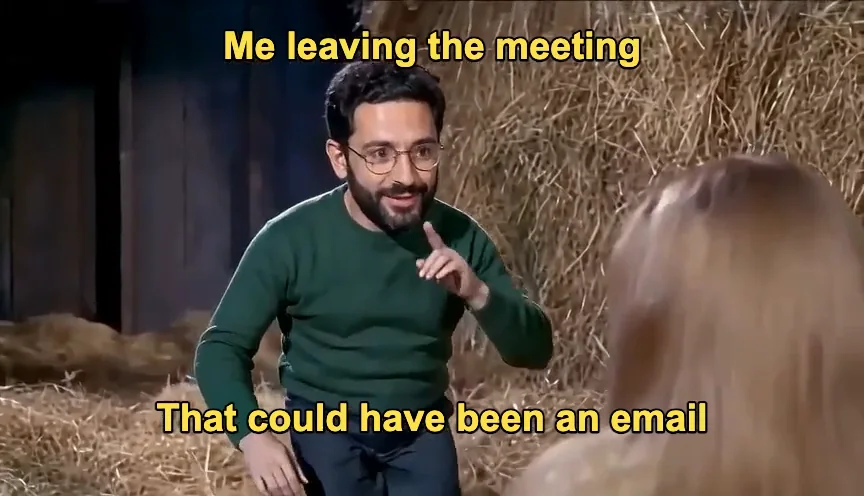
This is a frame from the file that export produced.
What Size and Length Should a Rumpelstiltskin Meme Video Be?
Pick the shape by where you will post the video, and the length by how much of the scene you want. Either way it comes out at 480p, with the matching original sound.
16:9 or 9:16
| Aspect ratio | Shape | Made for |
|---|---|---|
| 16:9 | Wide | YouTube, X, Facebook |
| 9:16 | Tall | TikTok, Reels, Shorts |
6 Seconds or 13 Seconds
| Length | What is in it | Cost |
|---|---|---|
| 6 seconds | The highlights | 10 credits |
| 13 seconds | The whole scene | 20 credits |
How Much Does It Cost to Make a Rumpelstiltskin Meme?
A 6-second video costs 10 credits and a 13-second one costs 20. Adding captions is free. Credits are sold in one-time packs, with no subscription.
| Pack | Price | 6-second videos | 13-second videos |
|---|---|---|---|
| 20 credits | $6.99 | 2 | 1 |
| 60 credits | $9.99 | 6 | 3 |
| 200 credits | $29.99 | 20 | 10 |
If a video fails, its credits go back to your balance.
See the credit packsHow to Make a Rumpelstiltskin Meme FAQ
Can I make a Rumpelstiltskin meme for free?
Partly. Adding captions is free, but making the video costs 10 credits for 6 seconds or 20 for 13. Credits come in one-time packs, starting at $6.99 for 20.
How long does it take to make a Rumpelstiltskin meme?
A few minutes. The video is the slow part, and you can leave the page while it is made. Exporting captions takes as long as the video runs, which is 6 or 13 seconds.
Does a Rumpelstiltskin meme video have a watermark?
No. The MP4 you download has no watermark, with or without captions.
Can I make a Rumpelstiltskin meme GIF?
Not directly. The generator makes MP4 files, which TikTok, Instagram and most chat apps take as they are. For a GIF, run the MP4 through any GIF converter.
Can I use a celebrity’s photo in a Rumpelstiltskin meme?
No. Photos of celebrities, politicians and other public figures are not allowed, and neither are film or cartoon characters. The content safety review often stops them, and a video it stops gives its credits back.
Can I add a caption to the original Rumpelstiltskin clip?
Not with this tool. The caption tab exports only videos you made on this site. The original clip is there as a sample to try captions on.
What happens if a Rumpelstiltskin meme video fails?
The credits go back to your balance. A video fails when the photo does not pass the content safety review, when the video does not come out, or when it takes too long to make.
Which browsers can export a Rumpelstiltskin meme with captions?
Chrome, Edge and Safari. Firefox can’t record MP4, so the export is not offered there. An iPhone or iPad that can’t export needs a newer version of iOS.
Your Rumpelstiltskin Meme Is One Caption Away
You’ve seen him everywhere. Time to put him to work.
Make my meme